Skip to content

Key parts of this build

Three slices that show how the app works day‑to‑day and where the creativity lives.

KPI overview screenshot
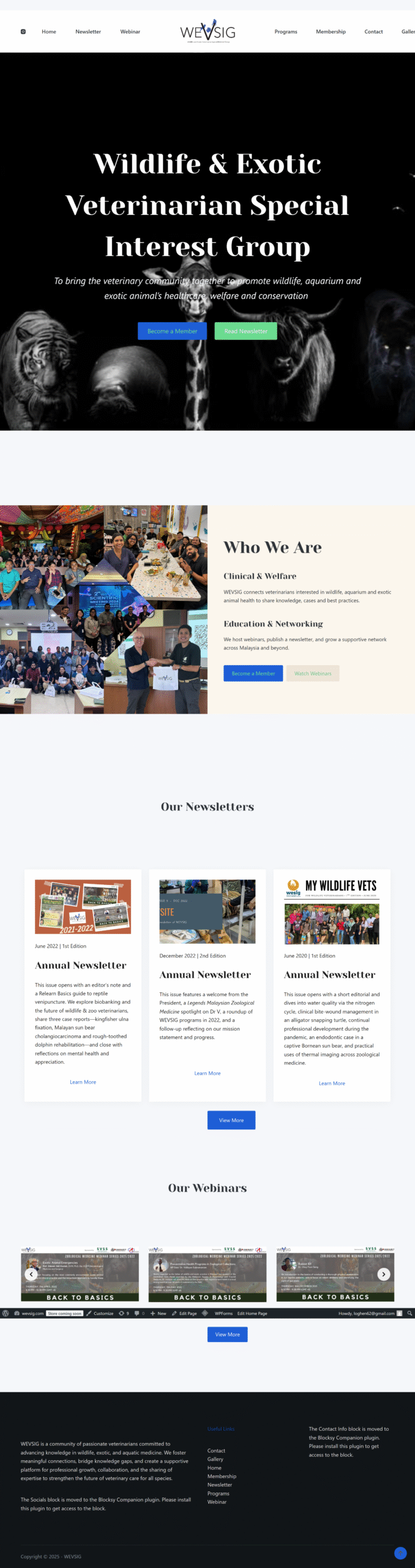
Membership Hub

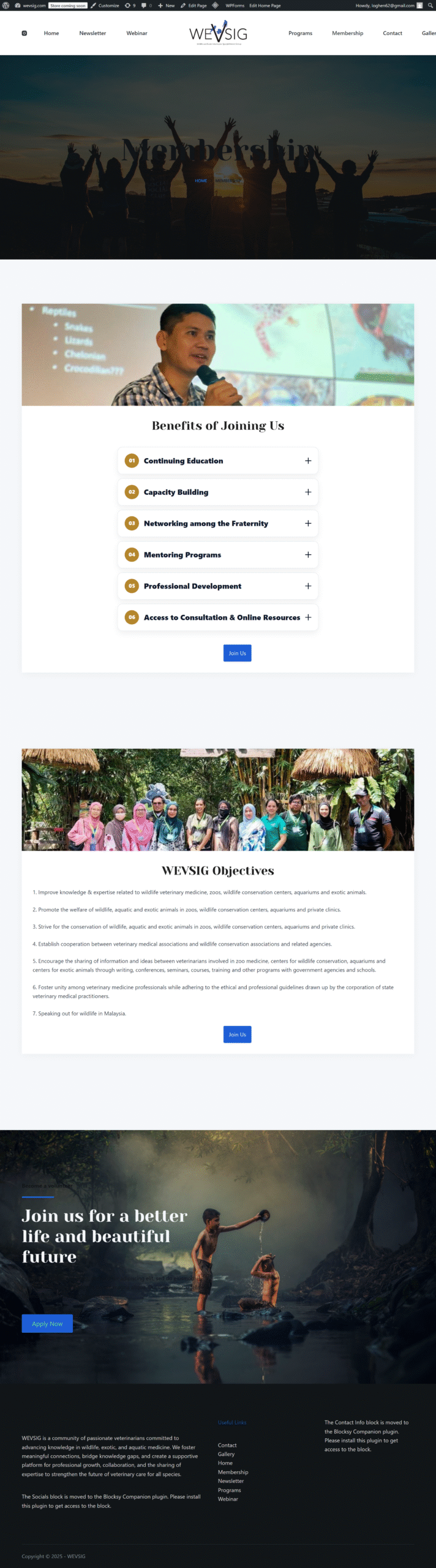
Join and renew in just a few clicks

The membership page turns a manual sign-up process into a simple self-service flow. Visitors can choose their membership type, pay online, and let renewals handle themselves—freeing the committee from chasing forms and bank slips.

  • Clear overview of membership types, pricing and benefits
  • Integrated payment and automated renewal so records stay up to date
  • Instant email confirmation so members know their status right away

Muat Naik Data upload screenshot
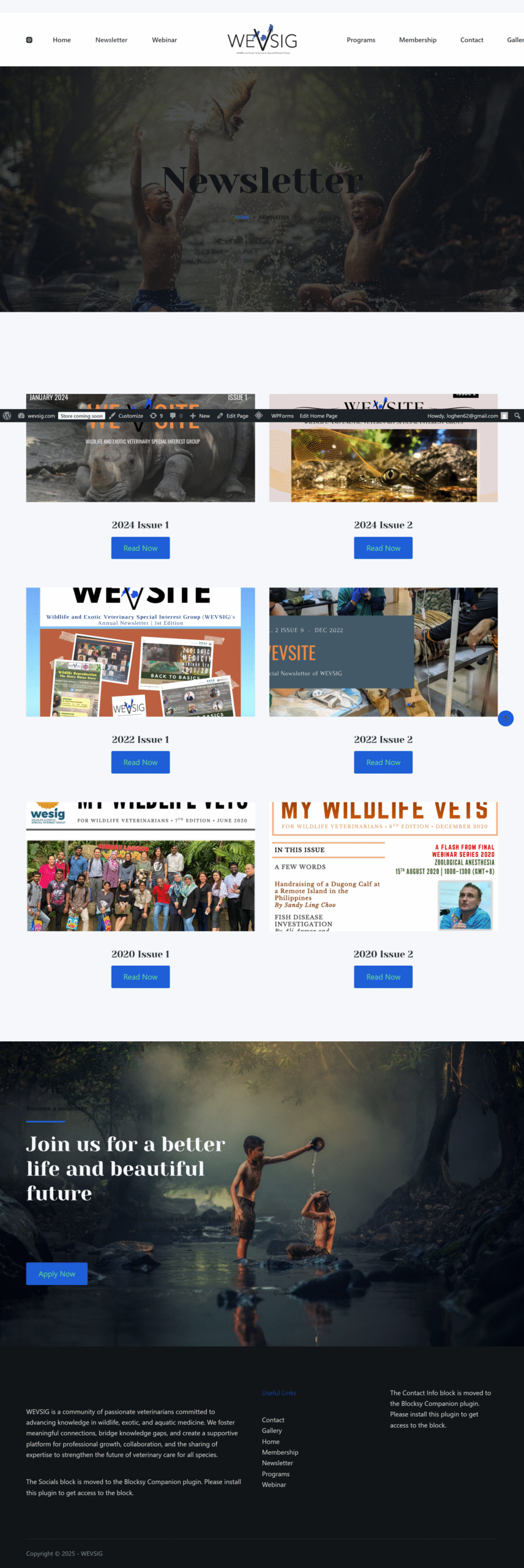
Newsletter Library

Issues archived, stories easy to find

The newsletter page keeps every issue in one organised space, so members can revisit case studies, field updates and community news at any time. Older PDFs and new posts share a consistent layout that’s friendly on both desktop and mobile.

  • Grid layout showcasing recent and past newsletter issues
  • One-click access to downloadable PDFs or online articles
  • Simple upload process so the team can publish new issues without touching code
Admin and structure screenshot
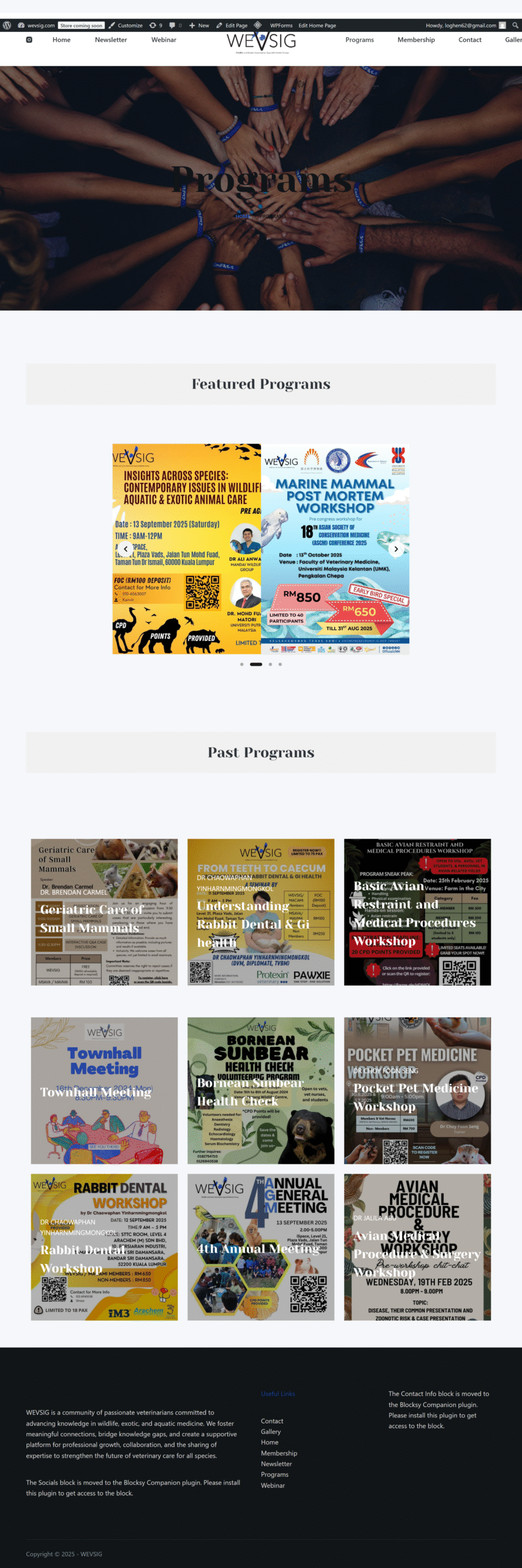
Webinars & CPD

Learning hub for talks and training

The webinar page centralises upcoming sessions and past recordings, giving members a single hub for talks, CPD content and virtual events. Clear CTAs guide users to register, join live sessions or watch replays when it suits them.

  • Sections for upcoming webinars and on-demand replays
  • Registration links and event details presented in a clean, readable layout
  • Video and resource embeds so slides, recordings and notes live together